
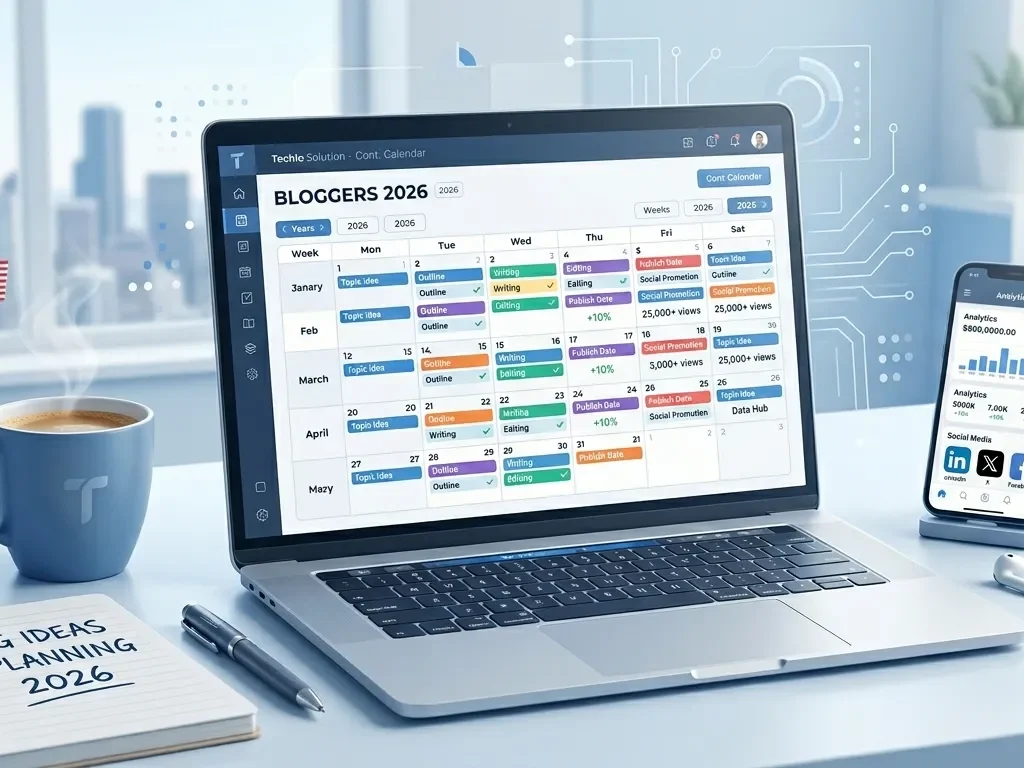
A content calendar for bloggers is the secret weapon that turns chaotic idea lists into steady traffic, loyal readers, and real growth. If you are a blogger in the United States—whether you run a personal finance blog in Chicago, a food blog in Texas, or a lifestyle site targeting moms in California—you already know how hard it is to stay consistent. One week you publish three posts. The next month? Nothing. Your audience drifts away, Google forgets you exist, and burnout creeps in.
In 2026, Google rewards blogs that publish helpful, timely content on a predictable schedule. A smart content calendar for bloggers fixes that. It helps you plan ahead, batch-create posts, mix evergreen and trending topics, and tie everything to US holidays and local events. The result? More organic traffic, better SEO rankings, and less stress.
This guide is written in simple English for beginners. You will learn exactly how to create a content calendar for a blog, get free blog content calendar template ideas, and discover proven blog content schedule strategy tips that top US bloggers use right now. Whether you are just starting or scaling a large site, these content calendar ideas for bloggers will help you build a blogging consistency strategy that actually works.
Let’s get your blog growing steadily in 2026.
What Is a Content Calendar for Bloggers and Why You Need One in 2026
A content calendar for bloggers is simply a plan that shows what you will publish, when you will publish it, and why. Think of it as your blog’s roadmap for the month, quarter, or entire year.
Why does it matter so much right now? Data shows that consistent bloggers see massive results. Businesses with active blogs get 55% more website traffic and 67% more leads than those without. High-frequency publishers (16 or more posts per month) enjoy up to 3.5 times more traffic. Yet most beginners struggle with blogging productivity and planning because they create content on a whim.
A good calendar solves this. It reduces decision fatigue, helps with content batching for bloggers, and makes sure you never miss big US moments like Black Friday, Independence Day, or back-to-school season. It also supports seasonal content planning SEO so your posts rank when Americans are actually searching.
In short, a content calendar for bloggers turns your blog from a hobby into a reliable traffic machine.
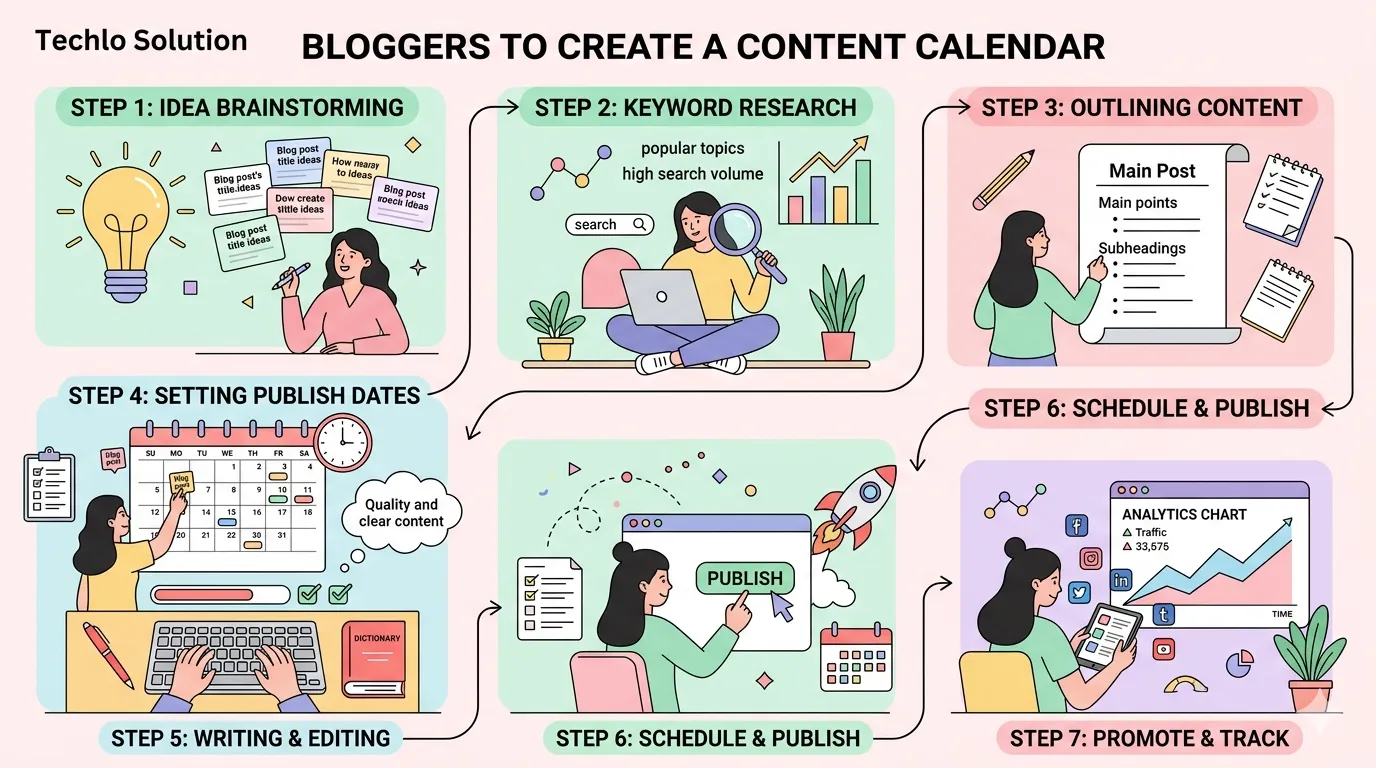
How to Create a Content Calendar for a Blog: Step-by-Step for Beginners
Wondering how to create a content calendar for a blog? Follow this easy content planning for bloggers step by step process that works even if you are starting from zero.
- Set clear goals. Decide what you want—more email subscribers, affiliate sales, or local clients in your city? Write down 2–3 goals for 2026.
- Know your audience. Look at your Google Analytics or Search Console. What do US readers in your niche search for? Note pain points, interests, and busy seasons.
- Choose your publishing frequency. Beginners should aim for 1–2 posts per week. This supports publishing frequency for blogs without burnout.
- Pick your tools. Start simple with Google Sheets or Notion (more on tools later).
- Brainstorm content ideas. Mix evergreen vs trending content planning. Evergreen posts (timeless how-tos) build long-term traffic. Trending posts (holiday guides) drive quick wins.
- Add dates and details. Include title, target keyword, content type, and promotion plan.
- Build in buffer time. Leave 20% of slots open for last-minute ideas or edits.
- Review every month. Adjust based on what performed best.
This content planning workflow for bloggers takes one afternoon but saves months of stress.
Blog Content Calendar Template: Ready-to-Use Ideas
You do not need fancy software to start. You may put this straightforward blog content calendar template into Google Sheets right now:
- Columns: Date | Post Title | Target Keyword | Content Type (Evergreen/Trending) | Status (Idea/Draft/Ready/Published) | Promotion Plan | US Holiday Tie-In
Monthly example for a personal finance blogger in the US:
- January: “2026 Tax Tips for Beginners” (evergreen + New Year resolution trend)
- February: “Valentine’s Day Budget Date Ideas” (seasonal)
- March: “How to Build an Emergency Fund Step by Step”
Create 12 rows per month. Color-code by topic (green for finance, blue for lifestyle). This monthly blog planning guide keeps everything visual and easy to update.
For US bloggers, always add a column for local angles—like “Chicago-specific tax resources” or “Texas back-to-school savings.”
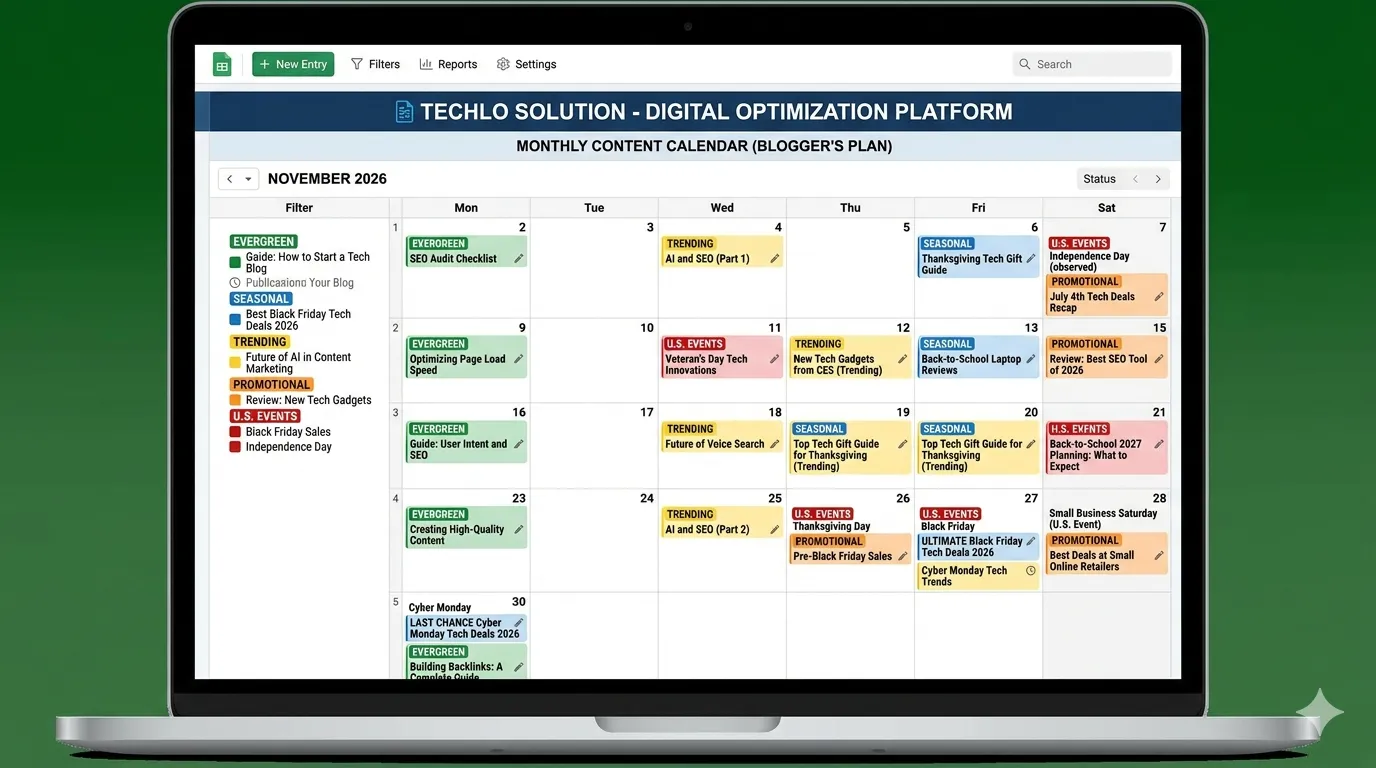
Editorial Calendar for Blogging: From Ideas to Published Posts
Your editorial calendar for blogging is the heart of your system. It goes beyond dates and includes the full workflow: research → outline → draft → edit → schedule → promote.
Content ideas generation for blogs works best when you batch it. Spend one day per month brainstorming 20–30 ideas using tools like Google Trends or Answer The Public. Focus on blog niche content planning that matches your audience.
Example workflow:
- Week 1: Research and outline 4 posts
- Week 2: Write drafts (batching saves time)
- Week 3: Edit and add images
- Week 4: Schedule and promote
This approach supports content workflow management and keeps your blog active even when life gets busy.
Blog Content Schedule Strategy That Delivers Results
A strong blog content schedule strategy balances quality and consistency. Post on Tuesdays or Wednesdays before noon for maximum US traffic—data shows these days perform best.
Blog post scheduling tips:
- Schedule posts 2–4 weeks in advance.
- Use WordPress plugins like Editorial Calendar or CoSchedule for drag-and-drop ease.
- Repurpose: Turn one blog post into social snippets, email newsletters, and Pinterest pins.
- Track everything: After 30 days, check Google Analytics for traffic and adjust.
For SEO content calendar for blogs, place high-intent keywords in 30–40% of your posts. Build topic clusters around pillar pages. This improves rankings and helps with keyword planning for blog content.
Content Calendar Ideas for Bloggers: Fresh Inspiration for 2026
Need content calendar ideas for bloggers? Here are proven themes tailored for US audiences:
- Seasonal hooks: Back-to-School in August, Thanksgiving gratitude posts in November, Black Friday deal roundups.
- Evergreen staples: “Beginner guides,” “ checklists,” “case studies.”
- Trending tie-ins: AI tools for bloggers, remote work tips, or sustainability trends.
- Local SEO elements: “Best Coffee Shops for Blogging in Seattle” or “Tax Deductions for Florida Bloggers.”
Mix 70% evergreen with 30% seasonal for steady growth plus timely traffic spikes.
Audience-focused content strategy example: A health blogger could plan “New Year Fitness Resolutions” in December and follow up with “March Motivation Boosters.”
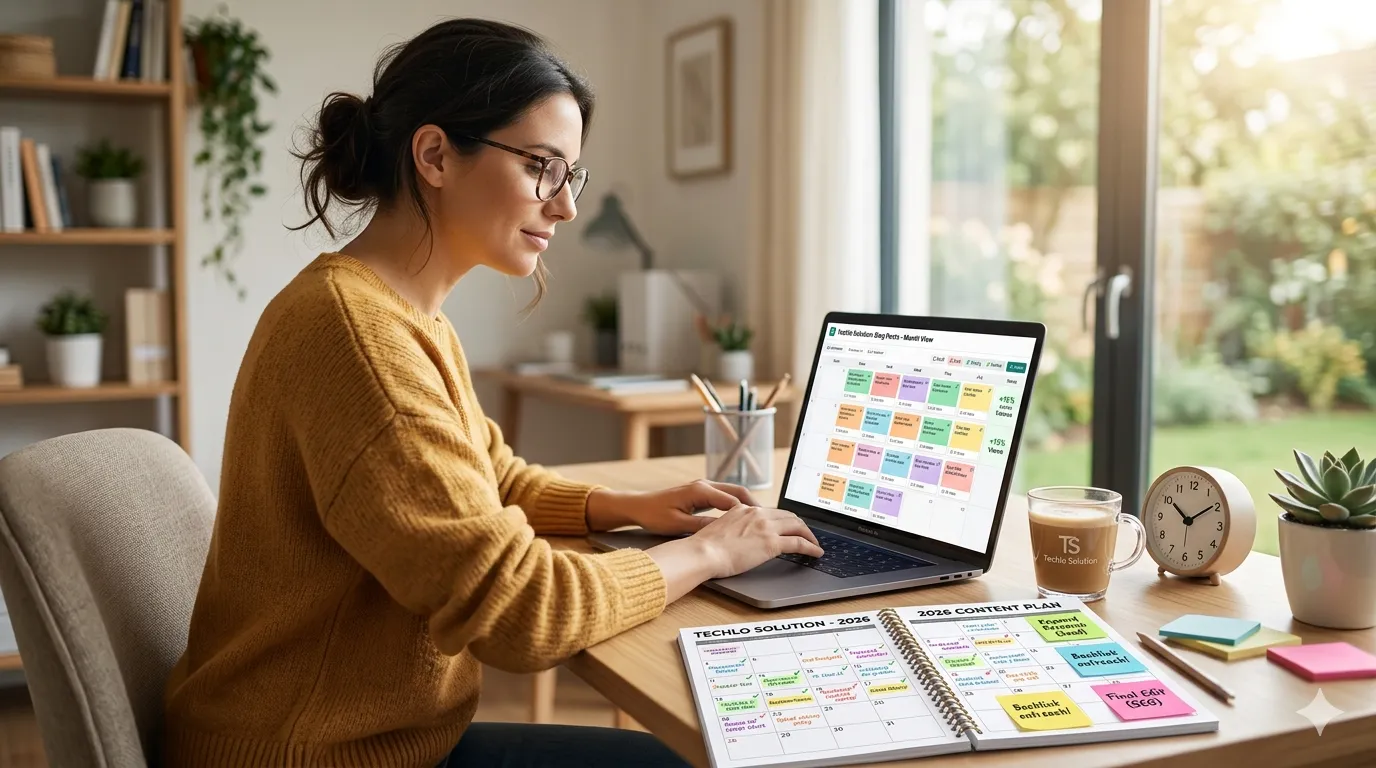
Monthly Blog Planning Guide: Stay Organized All Year
Your monthly blog planning guide should start on the last week of the previous month. Review analytics, check US holidays, and fill the calendar. Leave space for content batching for bloggers—write four posts in one focused day instead of one per week.
Pro tip: Use time management for bloggers techniques like the Pomodoro method during batch days. This boosts blogging productivity and planning.
Content Calendar Tools for Bloggers in 2026
The right content calendar tools for bloggers make planning effortless. Here are top options for 2026:
- Free: Google Sheets or Notion templates (drag-and-drop calendars).
- Affordable: Trello or Air table for visual boards.
- Advanced: CoSchedule, Plannable, or Story Chief—great for SEO integration and team collaboration.
- All-in-one: Buffer or Hoot suite if you also manage social.
Many US bloggers start with free tools and upgrade as traffic grows. These digital content planning tools help with content organization tools and automated reminders.
How to Organize Blog Posts Like a Pro
How to organize blog posts starts with categories and tags in WordPress. Create clear folders: “SEO,” “Monetization,” “Beginner Tips.”
Use internal linking in every post. Add “Related Posts” sections. This improves site structure and keeps readers on your site longer.
For large blogs, create a master spreadsheet that links to every published post. This makes content planning workflow for bloggers smooth.
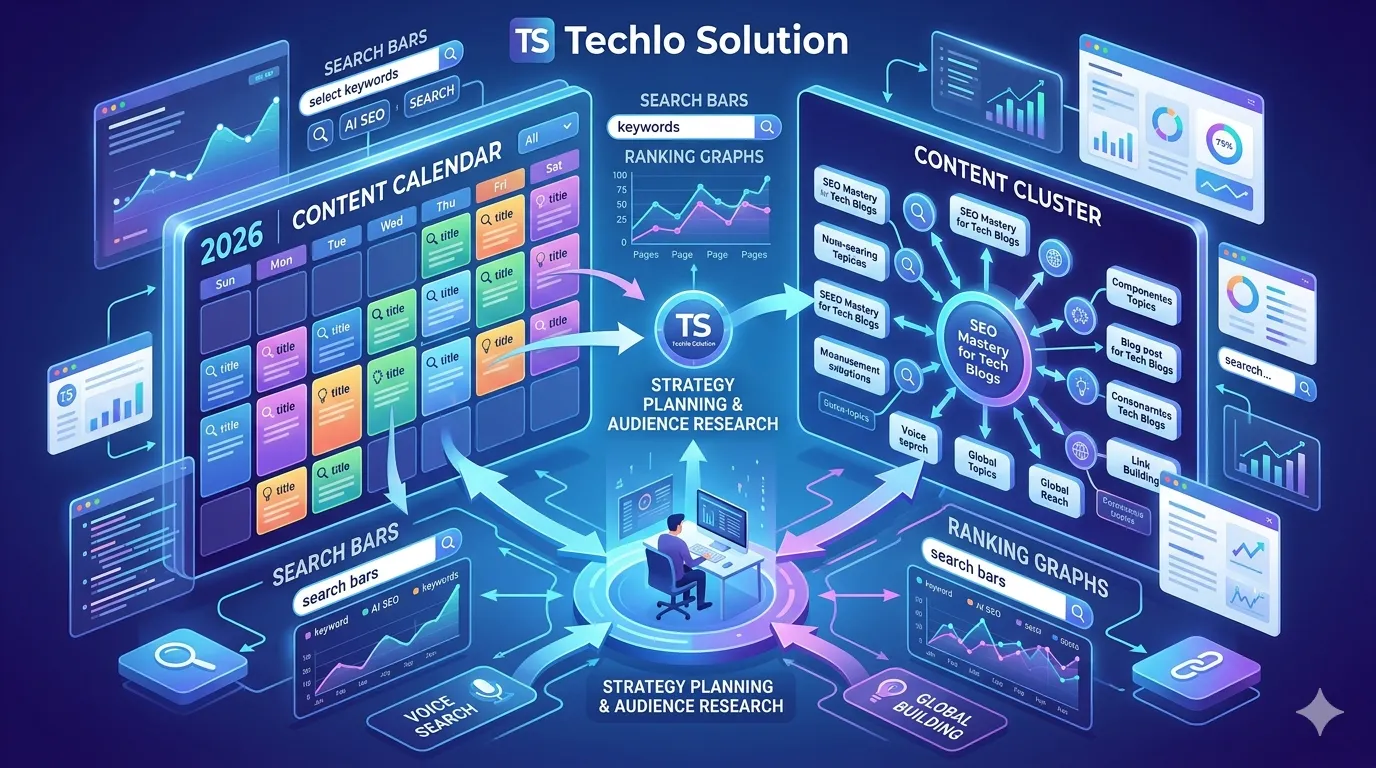
Blogging Consistency Strategy: How to Never Miss a Post
The best blogging consistency strategy is simple: plan more than you need and build a buffer. Life happens—illness, family events, or holidays.
Blog content consistency tips:
- Batch 4–6 posts at once.
- Set realistic goals (start with 8 posts per month).
- Use accountability: Tell your email list your publishing schedule.
- Celebrate small wins to stay motivated.
Consistent bloggers report stronger results and less burnout. This is your blog growth strategy planning foundation.
SEO Content Calendar for Blogs: Rank Higher in US Search
An SEO content calendar for blogs is your ticket to better Google rankings. Include target keywords, search intent, and estimated publish date.
Focus on content marketing calendar strategy that mixes informational and commercial posts. Update old content quarterly—this keeps your site fresh for 2026 algorithm changes.
Track progress with Google Search Console. You will see faster indexing and higher positions when you follow a planned SEO content calendar for blogs.
Content Calendar for Beginners Blogging: Start Small and Scale
Content calendar for beginners blogging does not have to be complicated. Begin with a 30-day calendar. Pick one niche topic per week. Write short 800–1,200 word posts.
Focus on helping readers first. As you grow, expand to quarterly planning. This builds confidence and real results fast.
Blogging Productivity and Planning Hacks That Save Time
Top blogging productivity and planning hacks:
- Batch research, writing, and editing on separate days.
- Use AI tools for outlines (but always edit in your voice).
- Set “content-free” days for rest and ideas.
- Review your calendar every Sunday for 15 minutes.
These small habits create big momentum.
Authoritative Resources for Content Calendar & Blogging Strategy (2026 Guide)
A content calendar is a core part of blogging success, content marketing, and SEO growth. To better understand content planning, blogging consistency, and audience strategy, these trusted resources from Google, HubSpot, Moz, and industry experts will help you build an effective content calendar in 2026.
- Google SEO Starter Guide – Learn how Google understands content, indexing, and ranking for better blog performance.
- HubSpot Content Calendar Guide – Step-by-step guide to planning, organizing, and scheduling blog content effectively.
- HubSpot Blogging Strategy Guide – Learn how to build a long-term blog strategy for traffic, engagement, and growth.
- Moz Beginner’s SEO Guide – Covers SEO basics including keyword research, content planning, and blog optimization
Conclusion: Build Your Content Calendar for Bloggers Today
A content calendar for bloggers is not just a spreadsheet—it is your path to steady growth, better rankings, and a sustainable blogging business in the United States. By following this SEO internal linking guide—wait, no, this SEO content calendar for blogs—you will publish consistently, attract loyal US readers, and watch your traffic climb month after month.
Start right now. Open Google Sheets, copy the simple template above, and fill in your next 30 days. You do not need perfection. You only need consistency.
Ready to grow your blog in 2026? Download a free blog content calendar template, share this guide with your fellow bloggers, and commit to one planning session this week. Your future self—and your readers—will thank you.
My Real-World Experience Learning Digital Marketing
When I first started learning digital marketing, terms like SEO, Google Ads, and content marketing felt overwhelming. I honestly thought this field was only for tech experts, but with consistent practice, I realized that beginners can learn digital marketing step by step. In the beginning, I made the mistake of trying to learn everything at once, which only created confusion. Once I focused on one skill at a time, especially SEO basics, my understanding improved significantly. While learning SEO, I discovered that simply adding keywords is not enough. When I started writing content to genuinely help users, I noticed organic traffic from the United States slowly growing. Many students enter digital marketing expecting quick income, but based on my experience, focusing on learning and real practice first always leads to better long-term results. Using tools like Google Search Console helped me understand what people are actually searching for. At first, it felt confusing, but regular use made it easier to analyze real user behavior. At one point, I focused too much on writing for search engines instead of real readers. Once I shifted my approach to helping people first, my content performance improved. If you are a student or beginner, digital marketing can be a realistic and future-proof career, as long as you stay patient and trust the learning process instead of chasing shortcuts.
 Call-to-Action Click Here
“If you’re serious about learning digital marketing, don’t just read—start applying one skill today and track your progress over the next 30 days.”
- Start today by learning SEO basics or content marketing.
- Save this digital marketing guide for beginners.
- Share it with students who want a future-proof career.
FAQs About Content Calendar for Bloggers
What is the easiest way to create a content calendar for a blog?
Start with Google Sheets. List dates, post titles, keywords, and status. Add US holidays for seasonal ideas. Update it monthly.
Do I need a blog content calendar template?
Yes! A simple template keeps you organized and prevents last-minute scrambling. Free versions work great for beginners.
How do I plan content for bloggers step by step?
Set goals, research your audience, brainstorm ideas, assign dates, batch-create, and review results. Repeat every month.
What is an editorial calendar for blogging?
It is a detailed plan that includes topics, deadlines, and promotion steps. It turns ideas into published posts on schedule.
How can a blog content schedule strategy improve consistency?
It removes guesswork. You know exactly what to write and when, so you publish regularly without burnout.
What are good content calendar ideas for bloggers?
Mix evergreen how-toss with seasonal US holiday posts, trending topics, and reader questions. Add local angles for better engagement.
Which content calendar tools for bloggers are best in 2026?
Free options like Notion or Google Sheets work well. For advanced features, try CoSchedule or Air table.
How does an SEO content calendar for blogs help rankings?
It ensures you target the right keywords at the right time and build topic clusters that Google loves.
What are the best blog post scheduling tips?
Schedule 2–4 weeks ahead, post on Tuesdays or Wednesdays before noon, and always promote on social and email.
How do I fix blogging consistency issues with a content calendar?
Build in buffer time, batch content, and review your plan weekly. Start small and celebrate progress.
✍️ Author Bio (E-E-A-T Fix)
Written by Techlo Solution
Digital Marketing Learner & SEO Practitioner
Helping beginners and students understand online marketing in simple words.